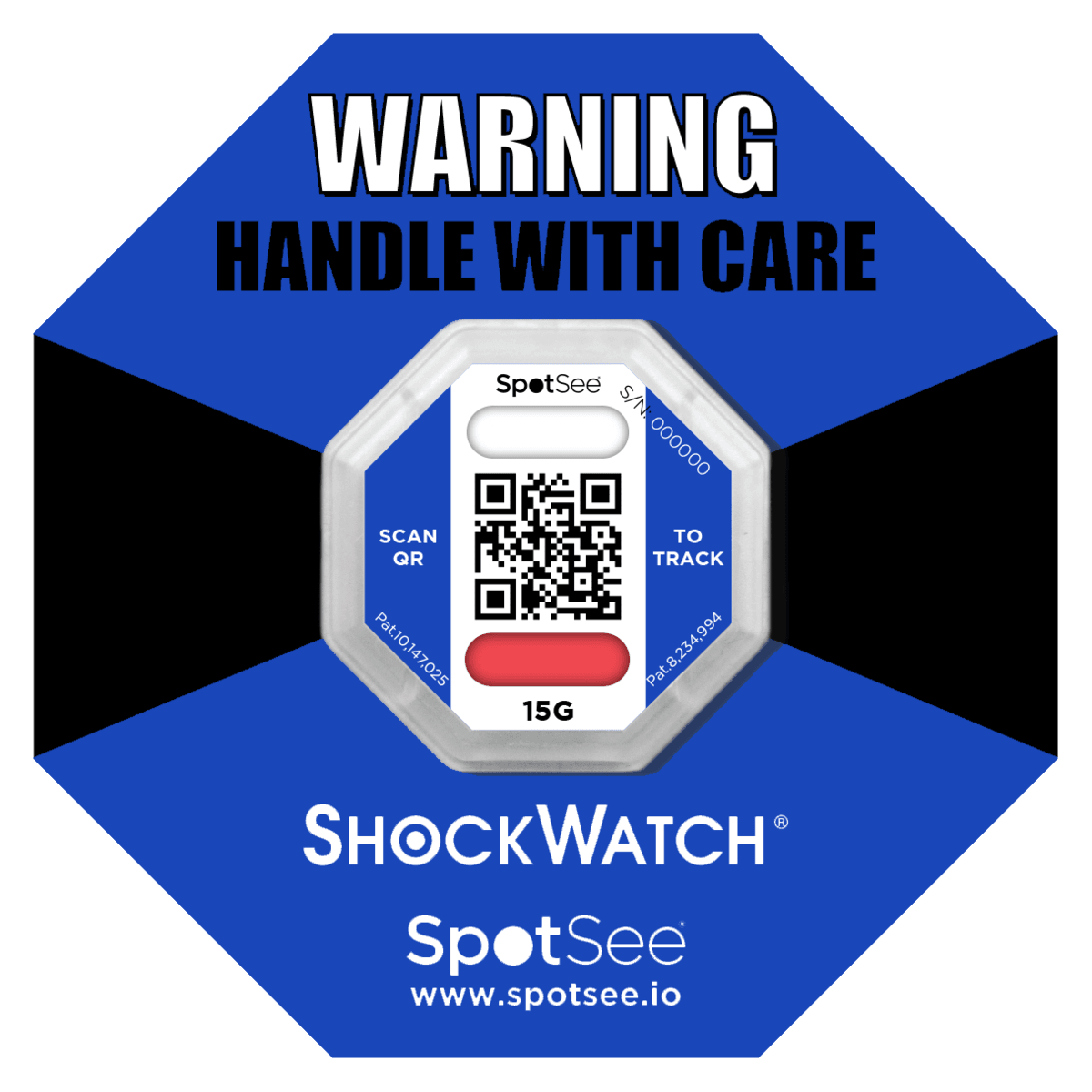
ShockWatch 2 QR - 15G (Blue)
Available to order
ShockWatch 2 Calculator
Enter the load weight and package volume to get the recommended G threshold, based on the official SpotSee selection chart.
Calculated volume: 0.240 m³ (8.5 ft³)
Where to mount the indicator
- Lower third of the package/pallet, as close to the edge as possible.
- Avoid the centre of the face: the mounting point should be structurally sound.
- Place the Alert Sticker on the bill of lading to remind the receiver to check the indicator on arrival.
Use 1 indicator.
Certificado de Origem NAFTA (2023)
Certificate · PDF
Impact Indicator – Comparação de Soluções Conectadas (EN)
Datasheet · PDF
Impact Indicator QR – Dados Técnicos (EN)
Datasheet · PDF
REACH declaration Companion Labels 240 2.1.2024
Certificate · PDF
REACH declaration ShockWatch2 240 2.1.2024
Certificate · PDF
REACH declaration ShockWatch2 Ring Label 240 2.1.2024
Certificate · PDF
RoHS All Companion Labels 6.4.2024
Certificate · PDF
RoHS ShockWatch2 4.2.2024
Certificate · PDF
RoHS ShockWatch2 Ring Label
Certificate · PDF
ShockWatch 2 QR – Manual da Cloud (EN)
Manual · PDF
ShockWatch 2 QR – Instruções de Montagem (EN)
Manual · PDF
ShockWatch 2 QR – Instruções de Utilização (EN)
Guide · PDF
ShockWatch 2 QR – Visão Geral (EN)
Datasheet · PDF
ShockWatch 2 QR – Guia do Destinatário (EN)
Guide · PDF
Frequently Asked Questions
ShockWatch 2 QR shock indicator (15G). Scanning the QR with a smartphone logs status, date, time and location in the SpotSee Cloud.