
TiltWatch
Tilt and tip-over indicators: was the load turned over?
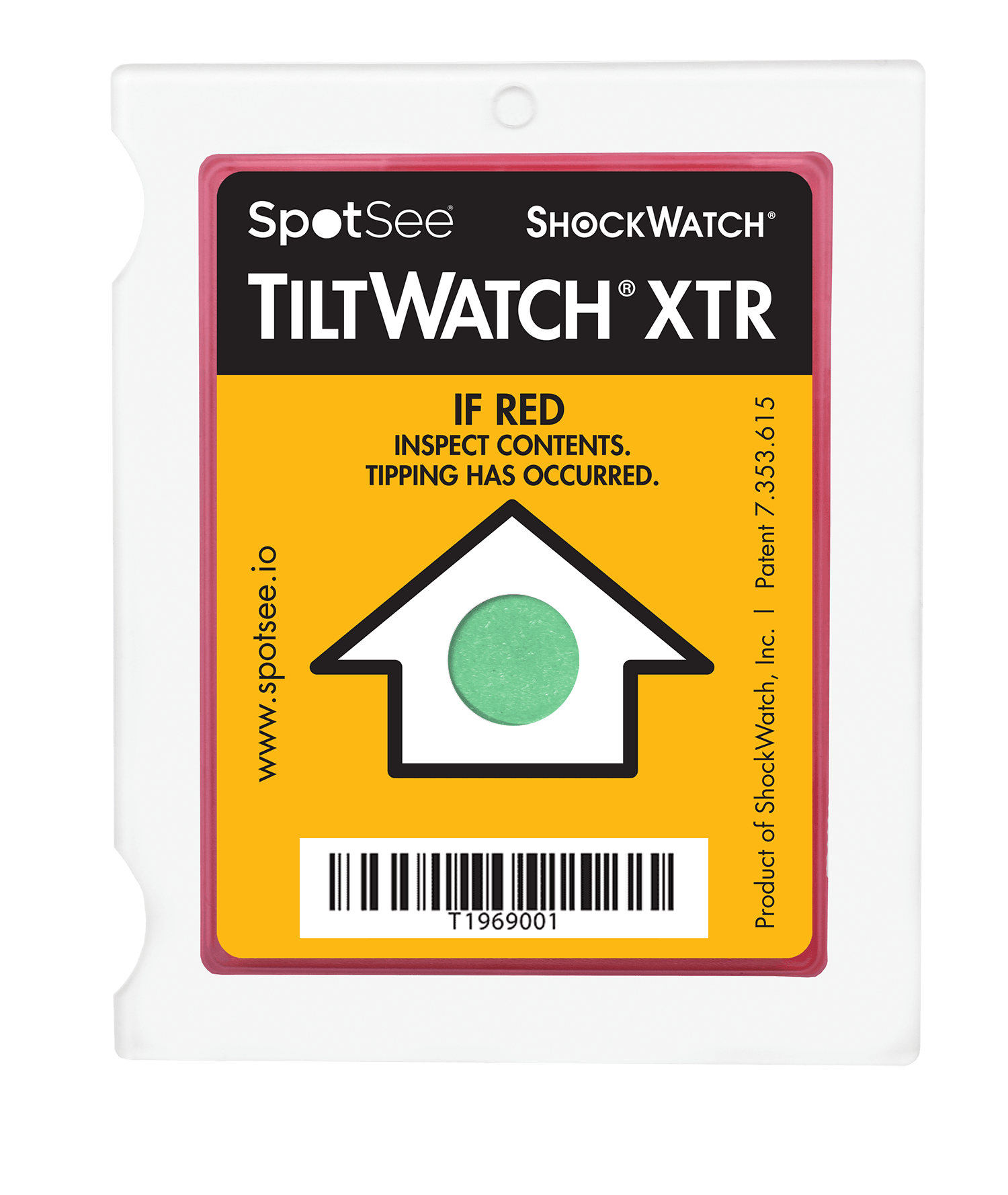
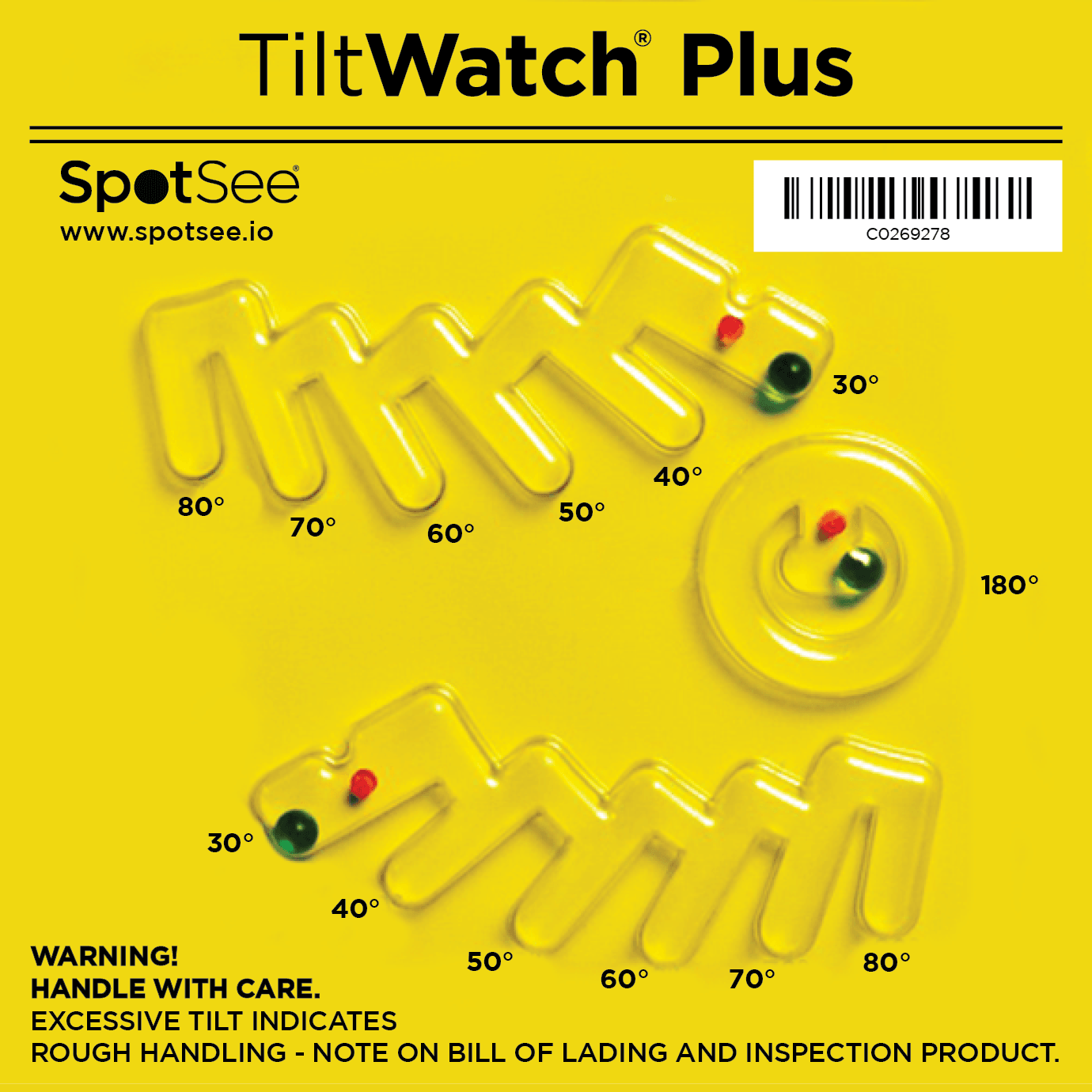
TiltWatch indicators show whether a load was tilted or turned over beyond a limit during handling and transport. The indication stays visible and does not reset. There are Plus and XTR versions; see each datasheet.
How it works
- 1
Choose the model
Choose Plus or XTR according to the load and what you need to detect.
- 2
Apply upright
Stick in the correct position, with the load in its normal orientation, as the datasheet says.
- 3
Transit
If the load is tilted beyond the limit, the indicator changes irreversibly.
- 4
Receipt
Check before signing and record the result.
Suggested uses
- Machines and equipment that must stay upright
- Medical and laboratory equipment
- Electronics and instruments
- Art and delicate objects
- Liquids and refrigerators
Note: The indicator shows that the tilt limit was exceeded. It does not prove damage by itself and does not replace inspecting the load.
Choose your reference
Only references available in the catalogue are shown.
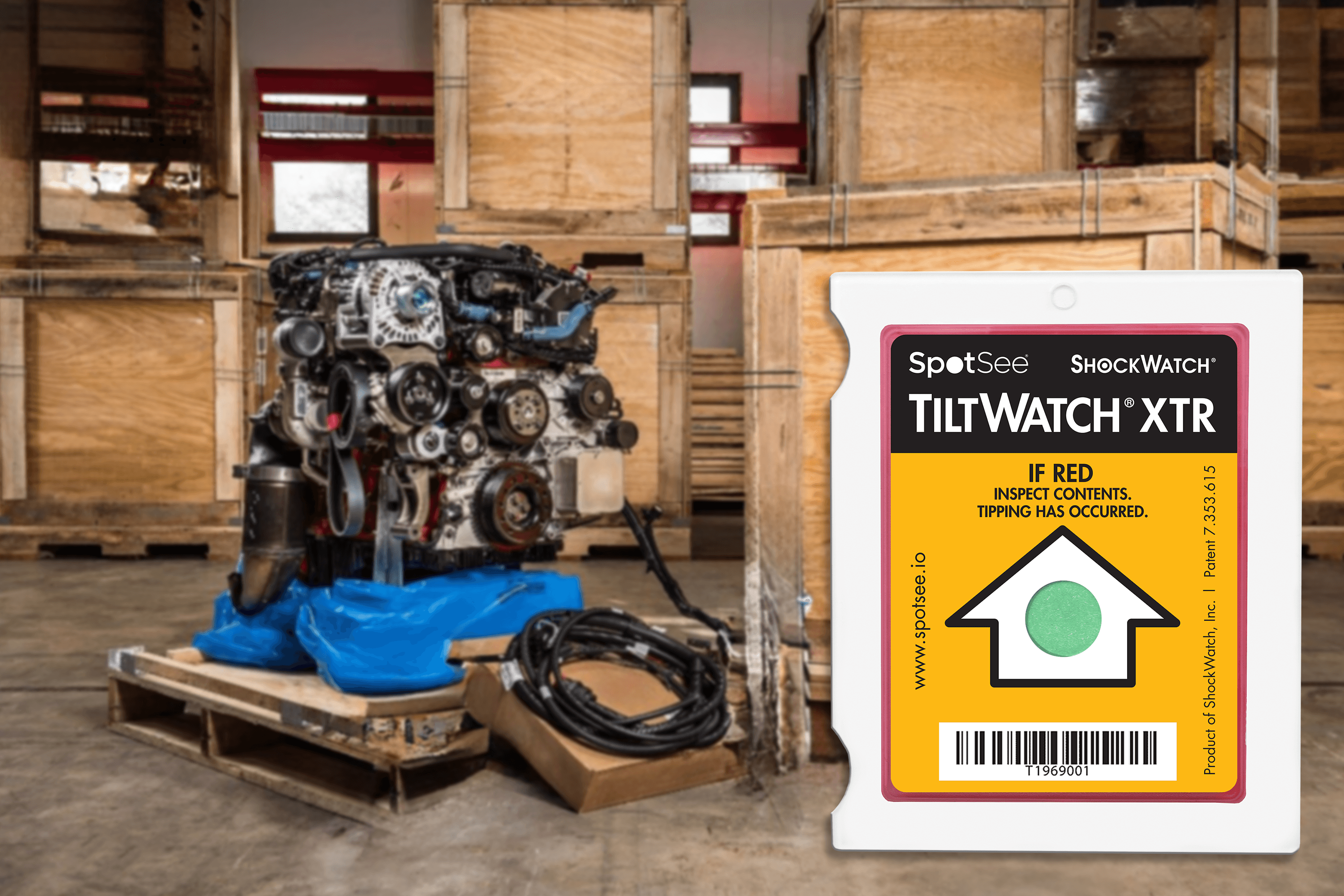
TiltWatch XTR
The circle turns from green to red when tipping occurs.
TiltWatch XTR
24101
€1.23 excl. VAT
Minimum: 100 pcs
View product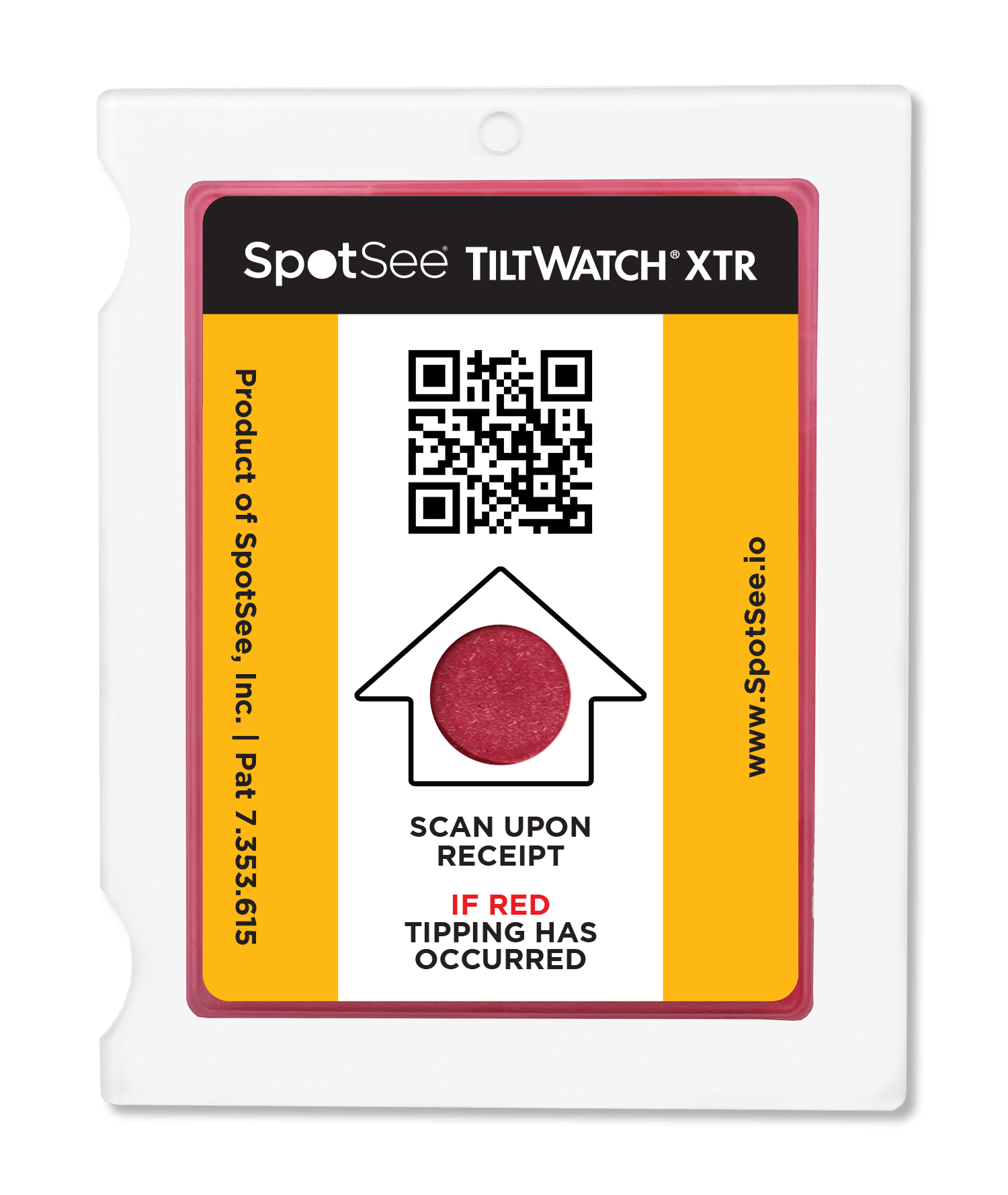
TiltWatch XTR - 10 pack
24101 10PK
€16.72 excl. VAT
View product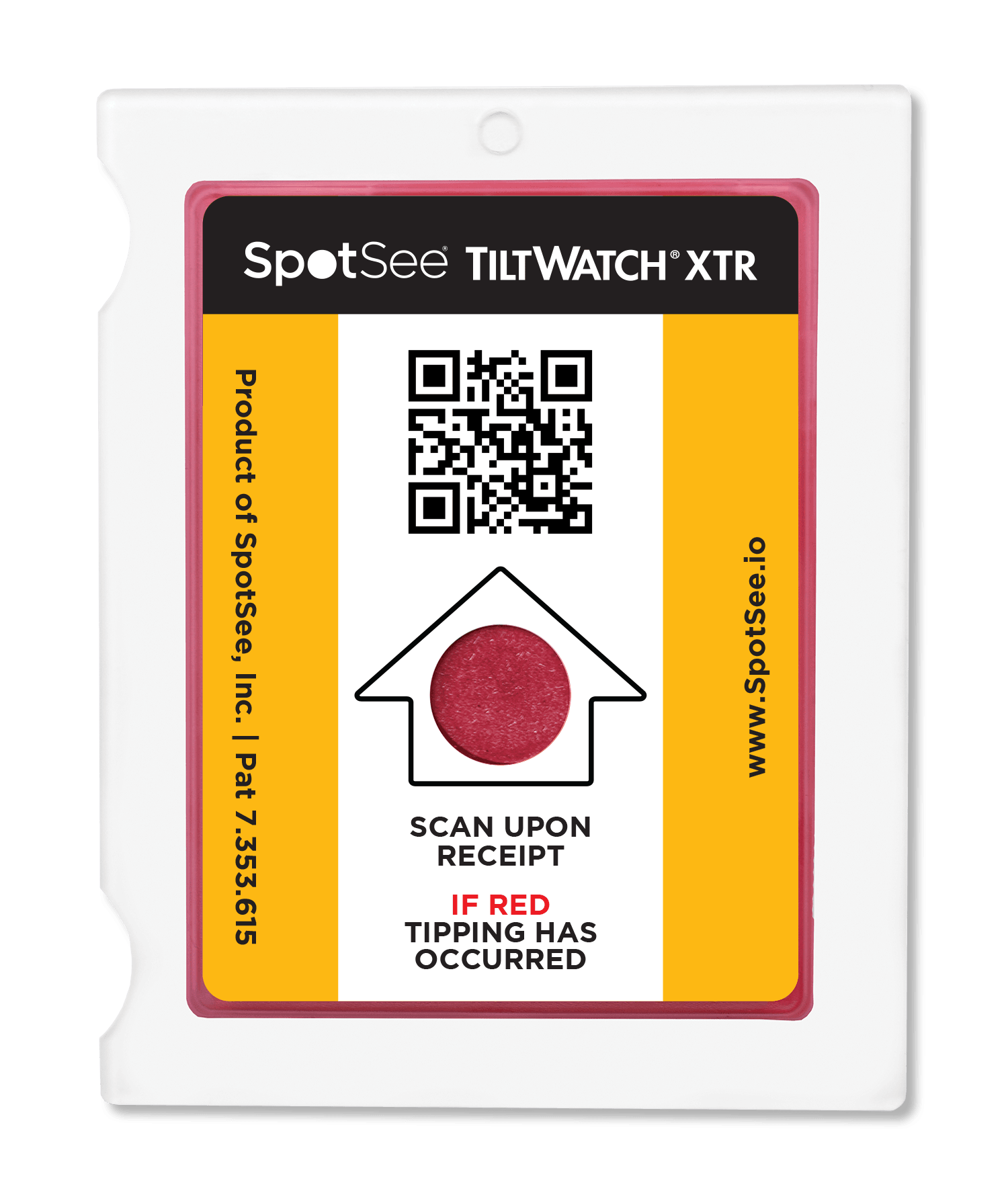
TiltWatch XTR Multilingual Companion Labels (200 labels/roll) English, Japanese, Korean, Chinese - Size: 8.75" x 5.75"
26120
€73.34 excl. VAT
View product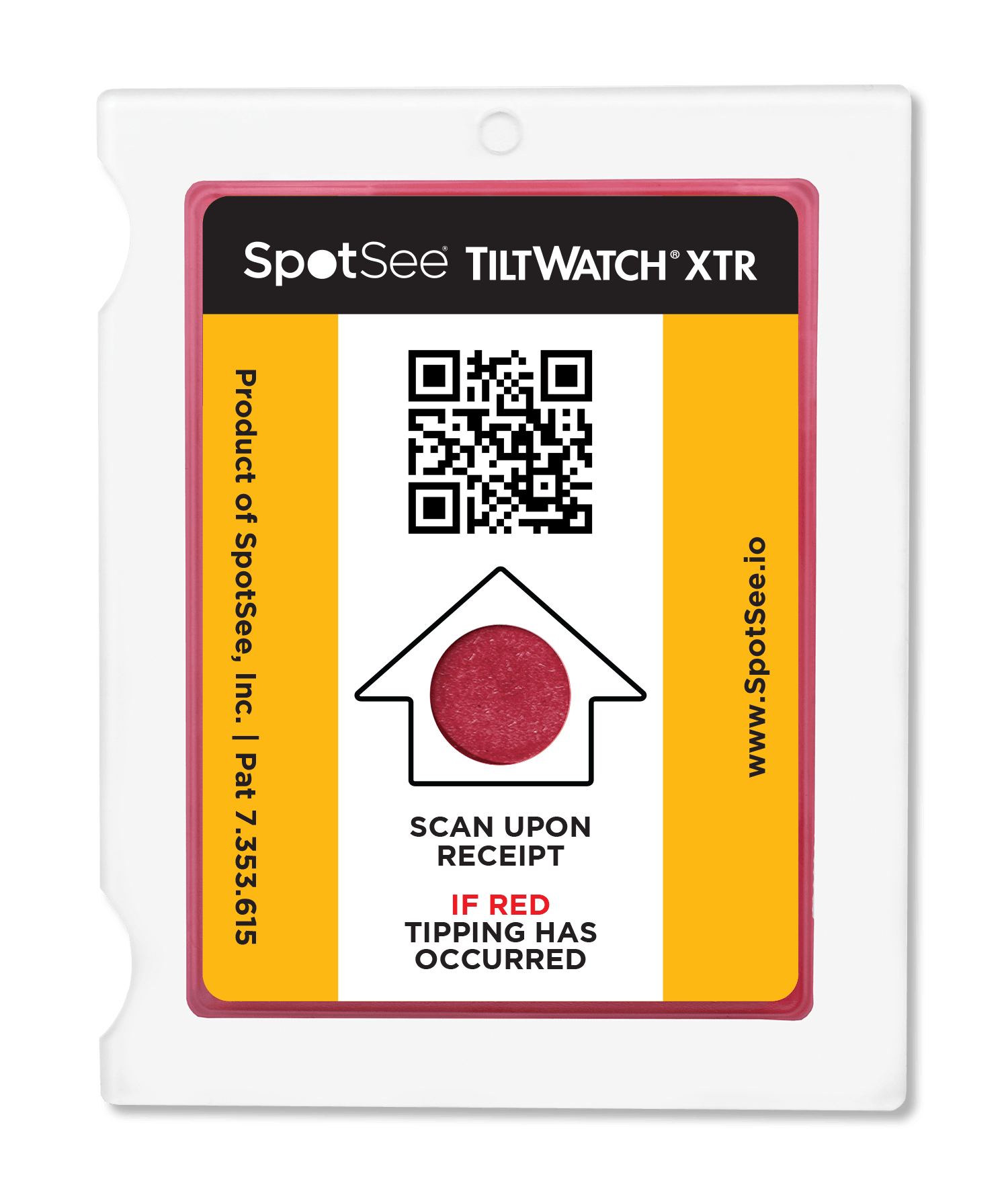
TiltWatch XTR Multilingual Companion Labels (200 labels/roll) English, Spanish, French, German - Size: 8.75" x 5.75"
26119
€73.34 excl. VAT
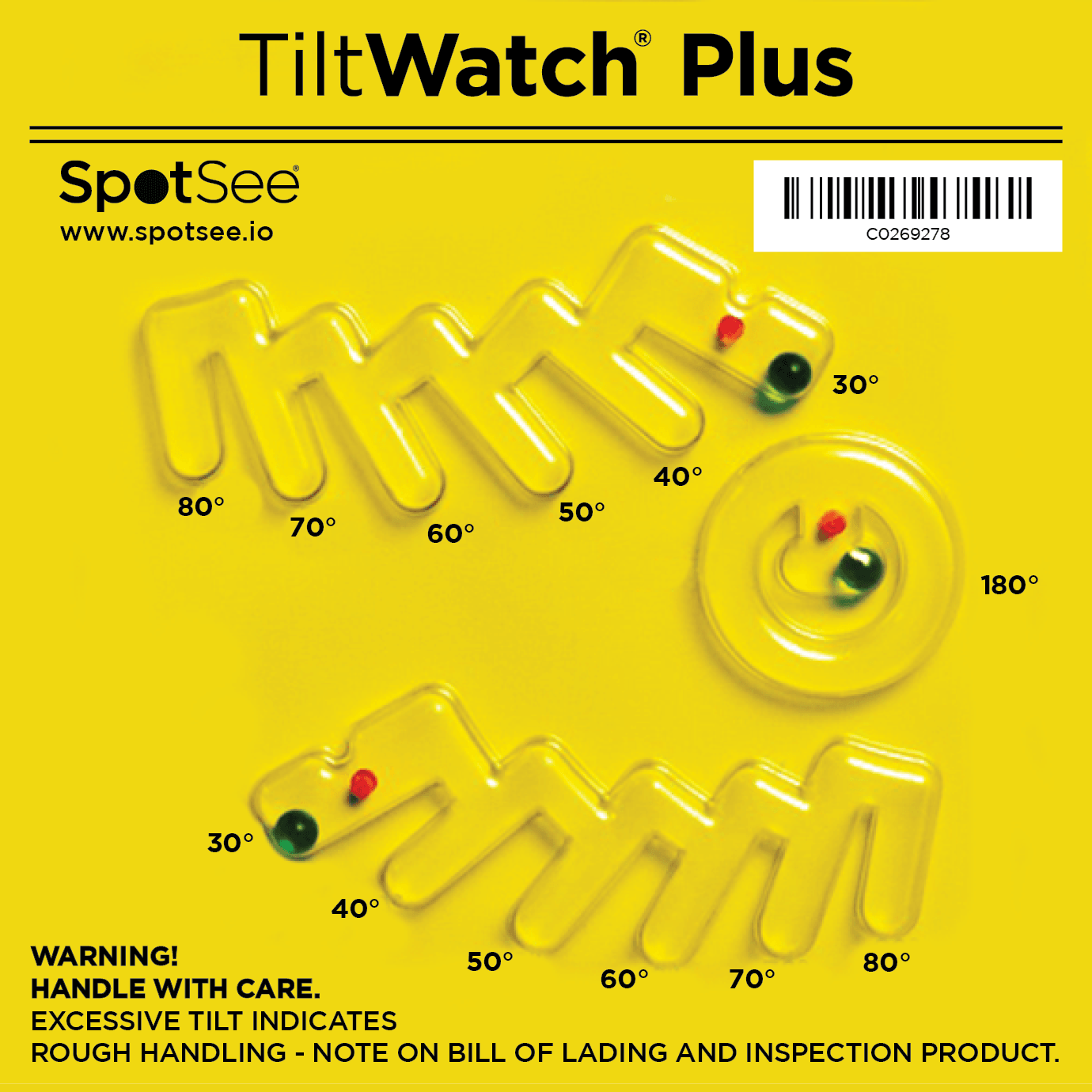
View productTiltWatch Plus
With 30° to 80° and 180° markings, to see how far the load was tilted.
Other TiltWatch
Alert Tape
26602
€16.92 excl. VAT
View product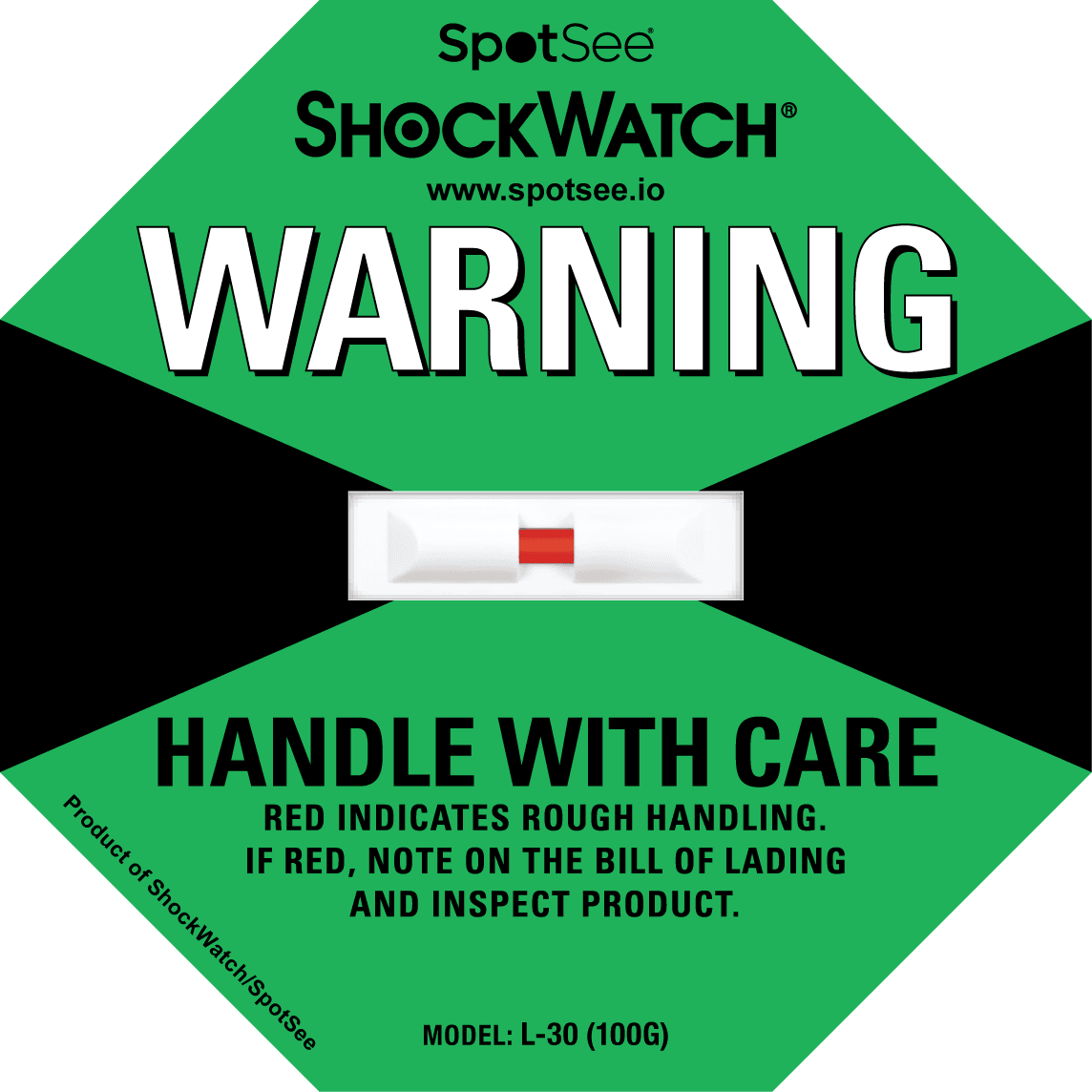
ShockDot / ShockWatch Label Companion Labels (200 labels/roll) - Size: 8.75" x 5.75"
26106
€73.34 excl. VAT
View product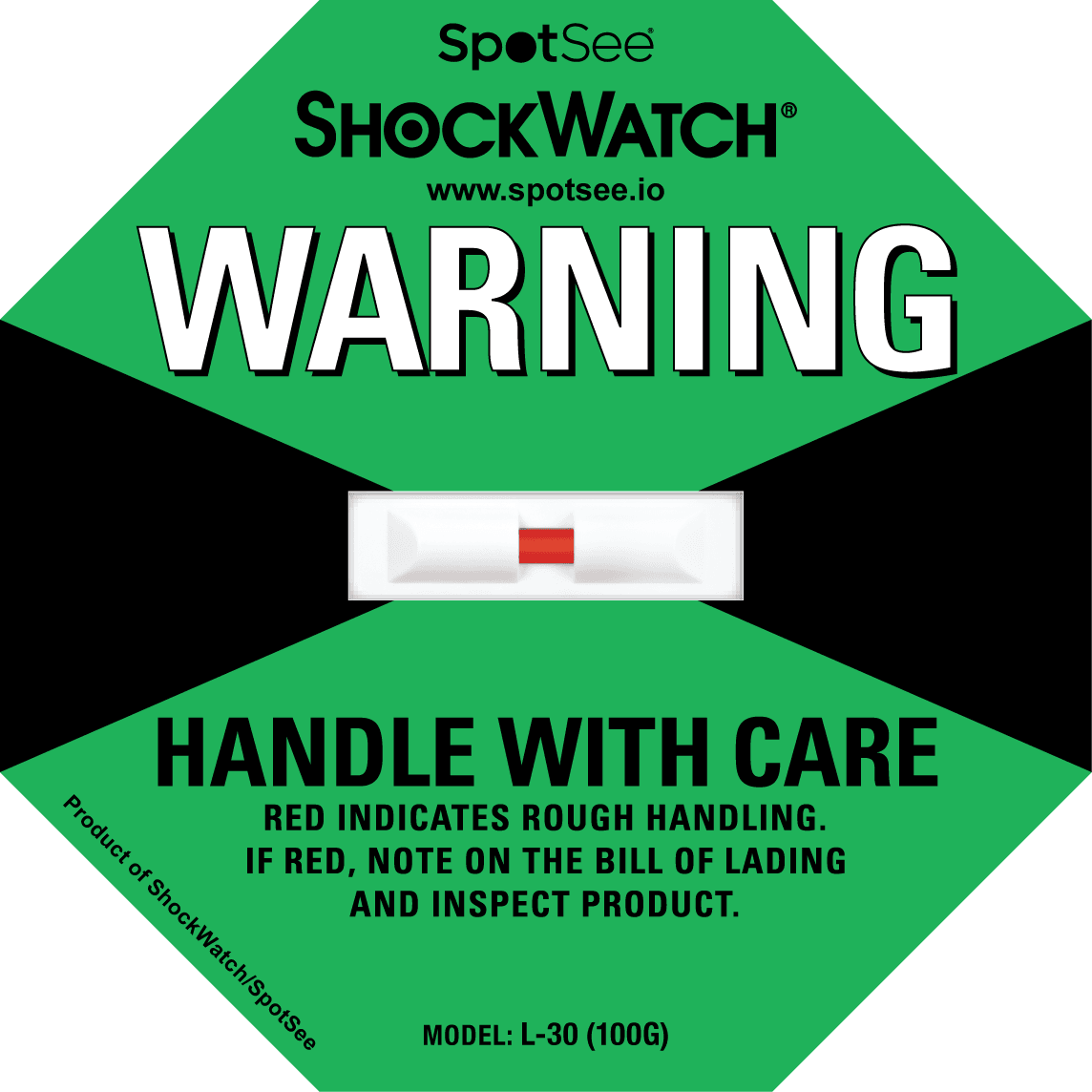
ShockDot / ShockWatch Label Companion Labels (500 labels/roll) - Size: 8.75" x 5.75"
26107
€146.67 excl. VAT
View product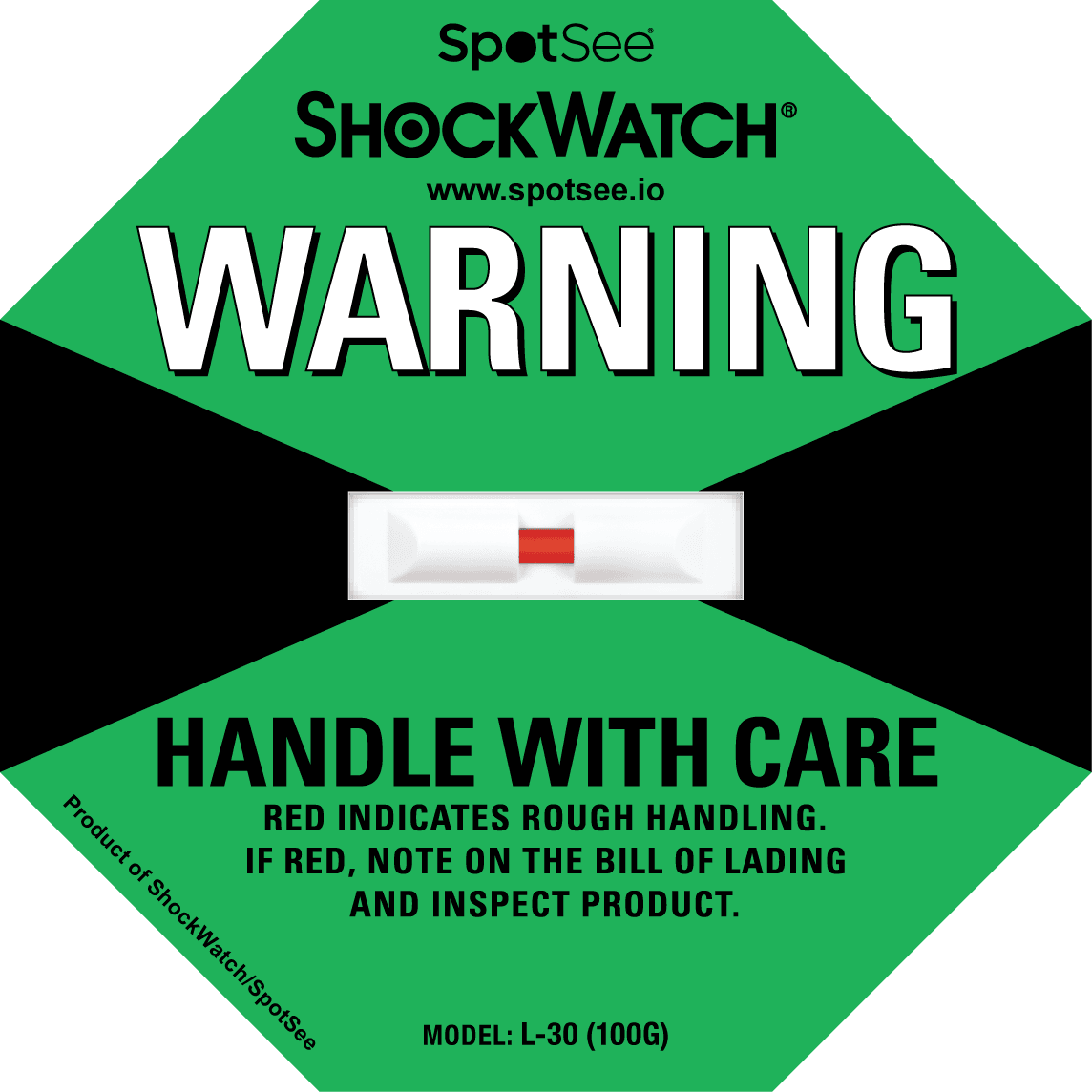
ShockDot / ShockWatch Label Multilingual Companion Labels (200 labels/roll) English, Chinese, Japanese, Korean - Size: 8.75" x 5.75"
26107ML#2
€73.34 excl. VAT
View product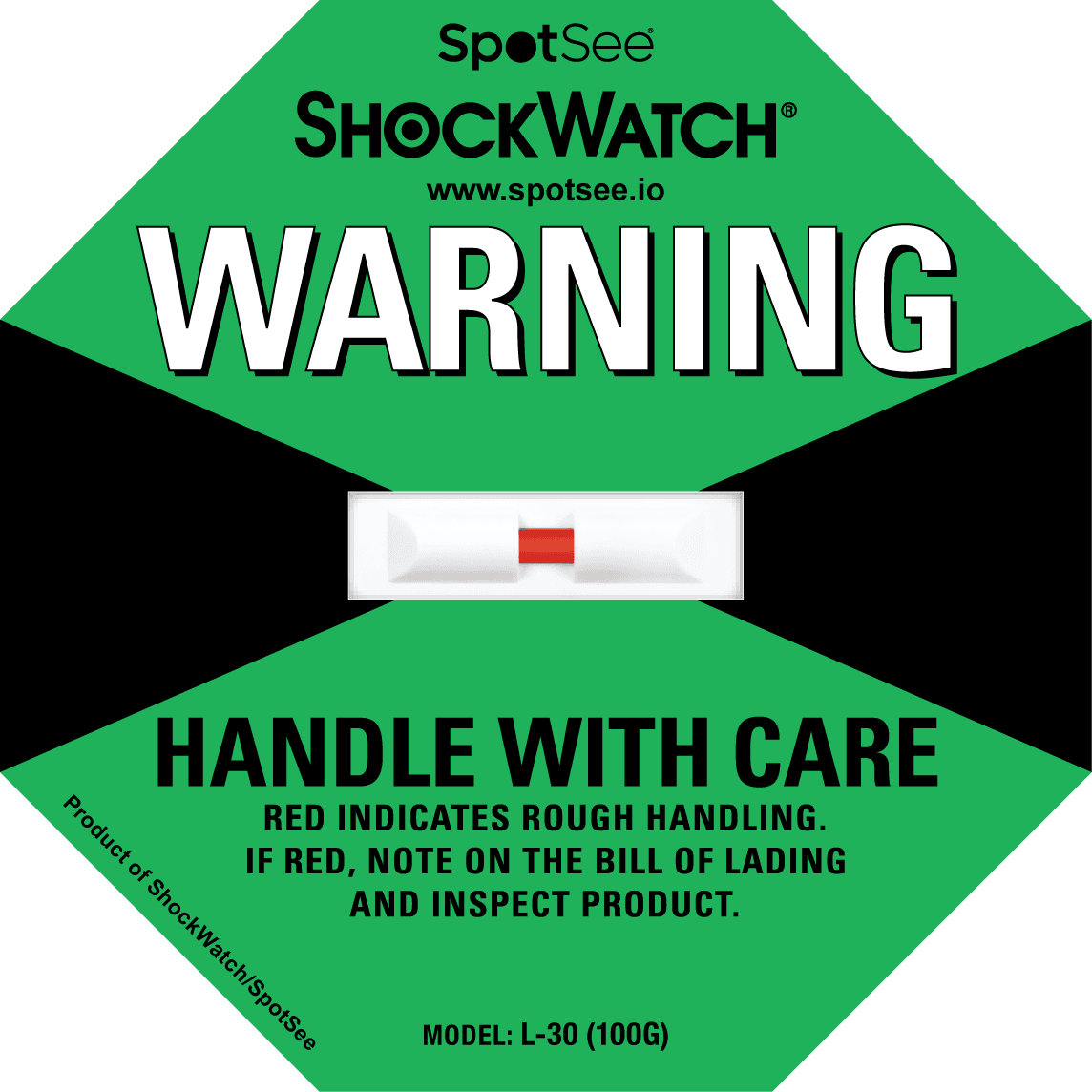
ShockDot / ShockWatch Label Multilingual Companion Labels (200 labels/roll) English, Spanish, French, German - Size: 8.75" x 5.75"
26106ML
€73.34 excl. VAT
View product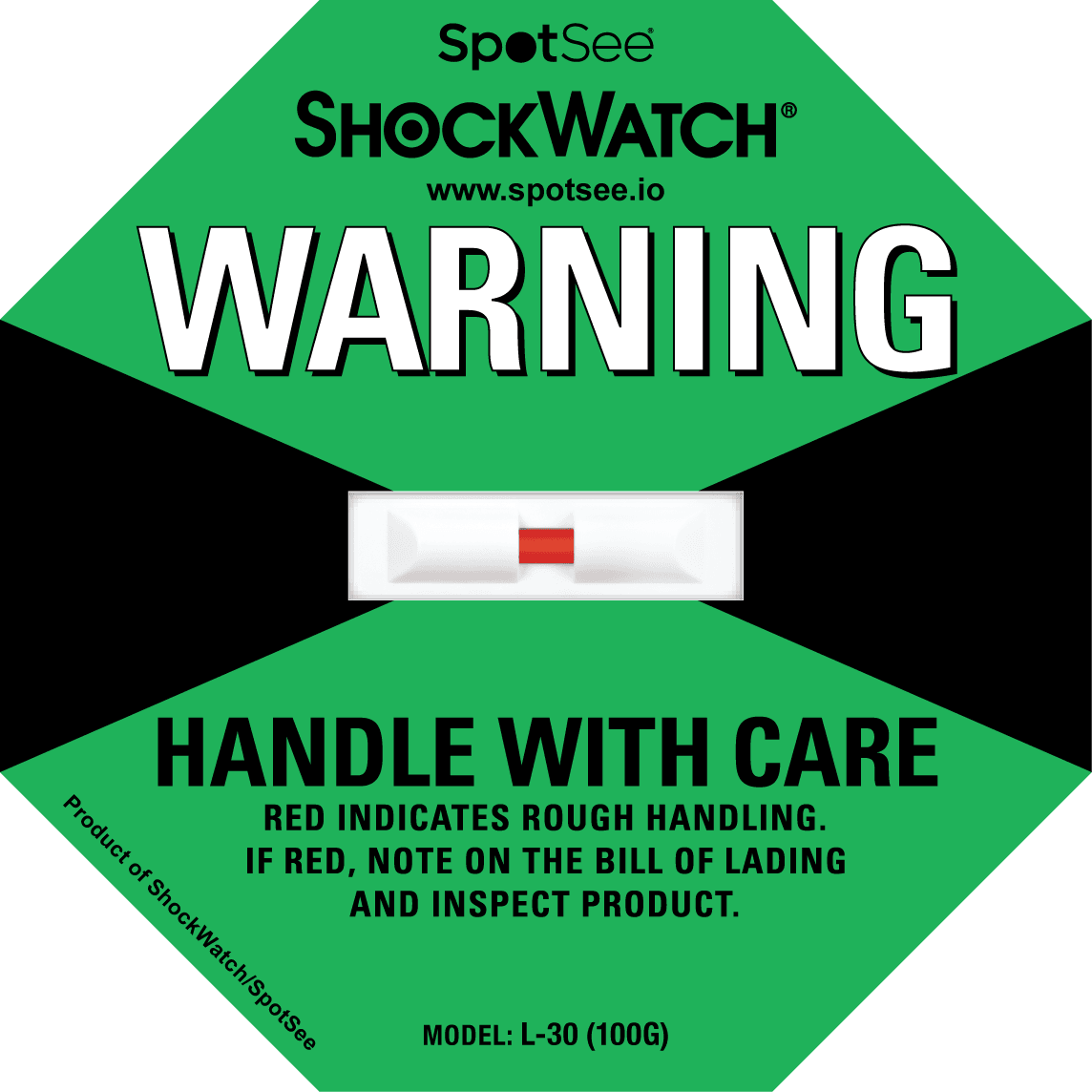
ShockDot / ShockWatch Label Multilingual Companion Labels (500 labels/roll) English, Spanish, French, German - Size: 8.75" x 5.75"
26107ML
€146.67 excl. VAT
View productShockLog Companion Labels (200 labels/roll)
26123
€81.37 excl. VAT
View productShockLog Companion Labels (25 labels/pack)
26124
€1.25 excl. VAT
View productShockWatch 2 Companion Labels (200 labels/roll) - Size: 4.5" x 5.75"
26126
€73.34 excl. VAT
View product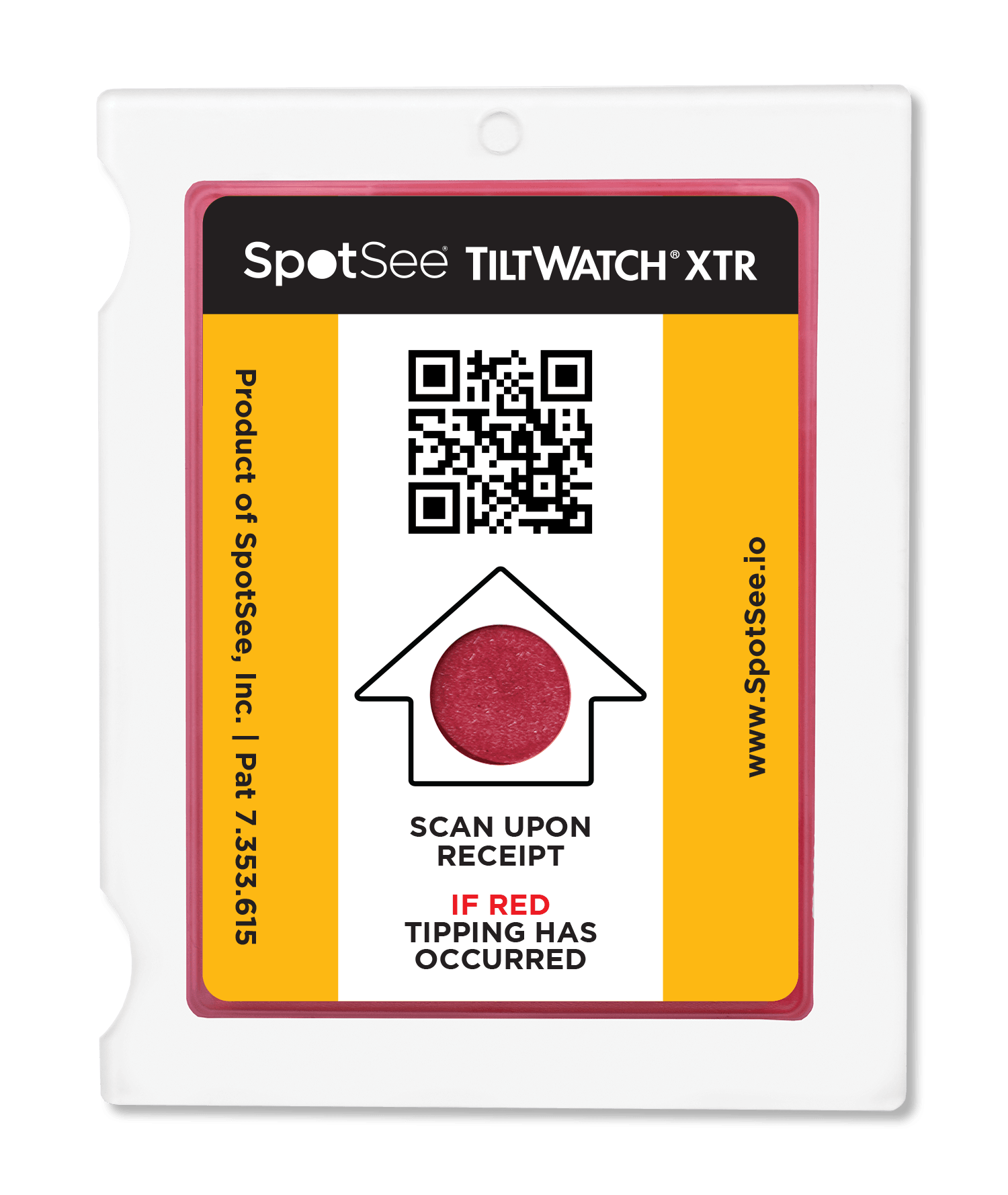
TiltWatch XTR Companion Labels (200 labels/roll) Size: 5.75" x 8.75"
26102
€73.34 excl. VAT
View product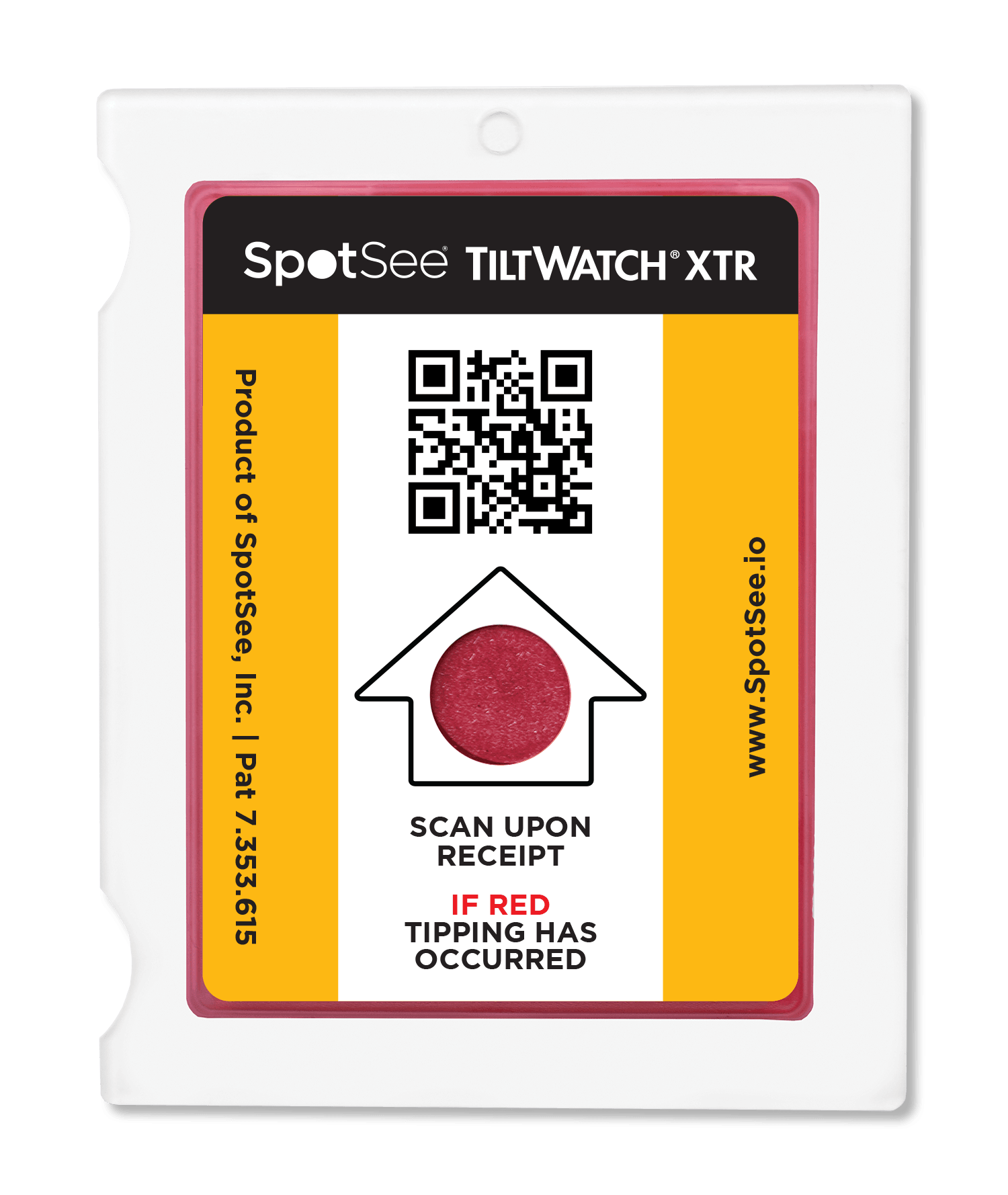
TiltWatch XTR Companion Labels (500 labels/roll) Size: 5.75" x 8.75"
26103
€146.67 excl. VAT
View product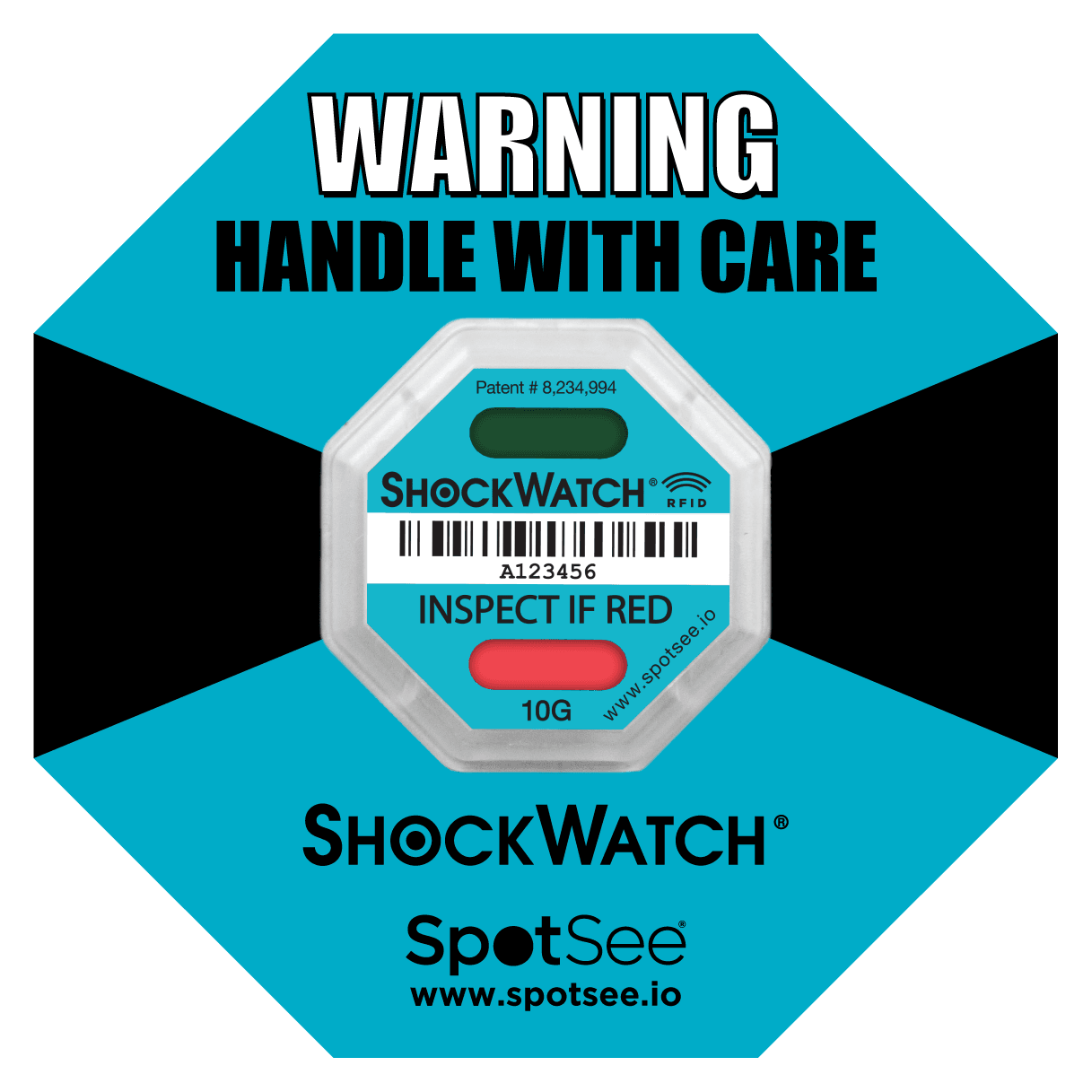
TiltWatch RFID
24101RF
€2.28 excl. VAT
Minimum: 100 pcs
View productNeed help choosing?
Tell us what you want to protect and how it is transported, and we will recommend the right reference.
Talk to us